# MiauInv
MiauInv is a secure, lightweight inventory, stock, and project allocation tracking system written in Go. It uses server-rendered HTML blocks with a small HTMX-style frontend layer for a dynamic single-page feel, backed by signed JWT access tokens, database-backed refresh-token rotation, optional TOTP 2FA, optional WebAuthn passkeys, an authenticated activity log, and embedded SQLite storage.
It is built for self-hosted/private deployments where you want a small, understandable asset and stock tracker without running a large enterprise inventory suite.
## Features
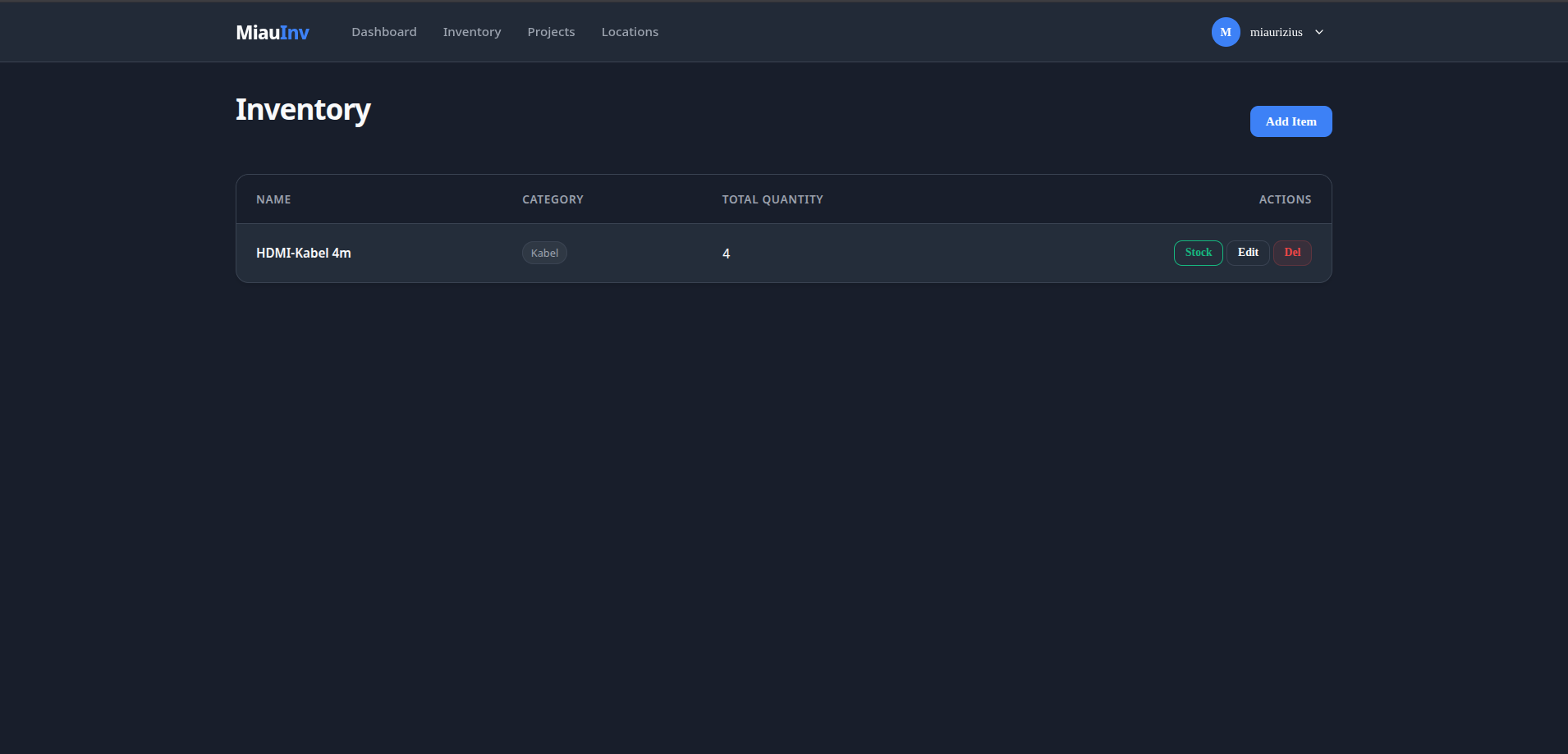
- Inventory item tracking with categories, descriptions, and quantities.
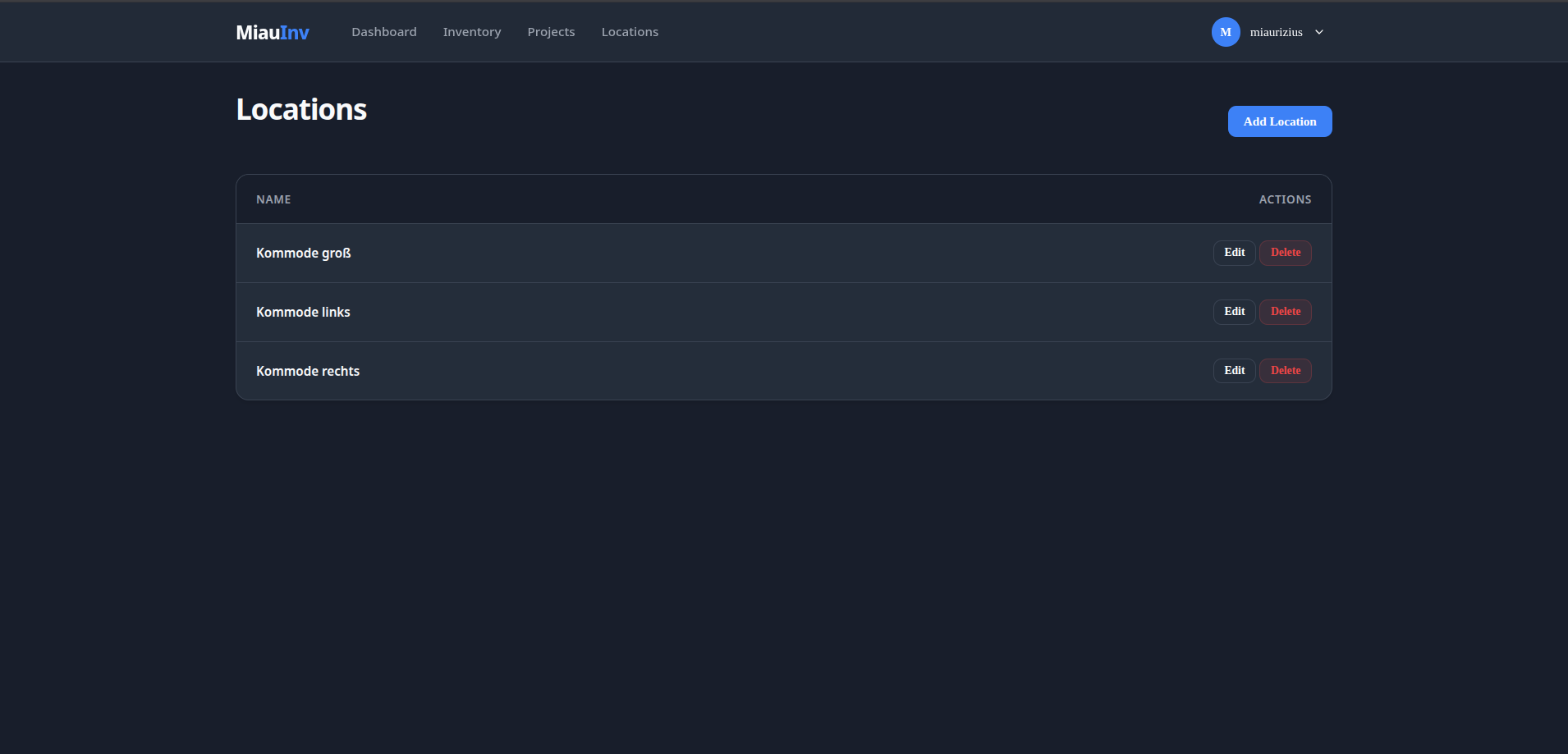
- Location management for physical or logical storage places.
- Stock distribution between items and locations.
- Project allocation tracking for reserving item quantities for projects.
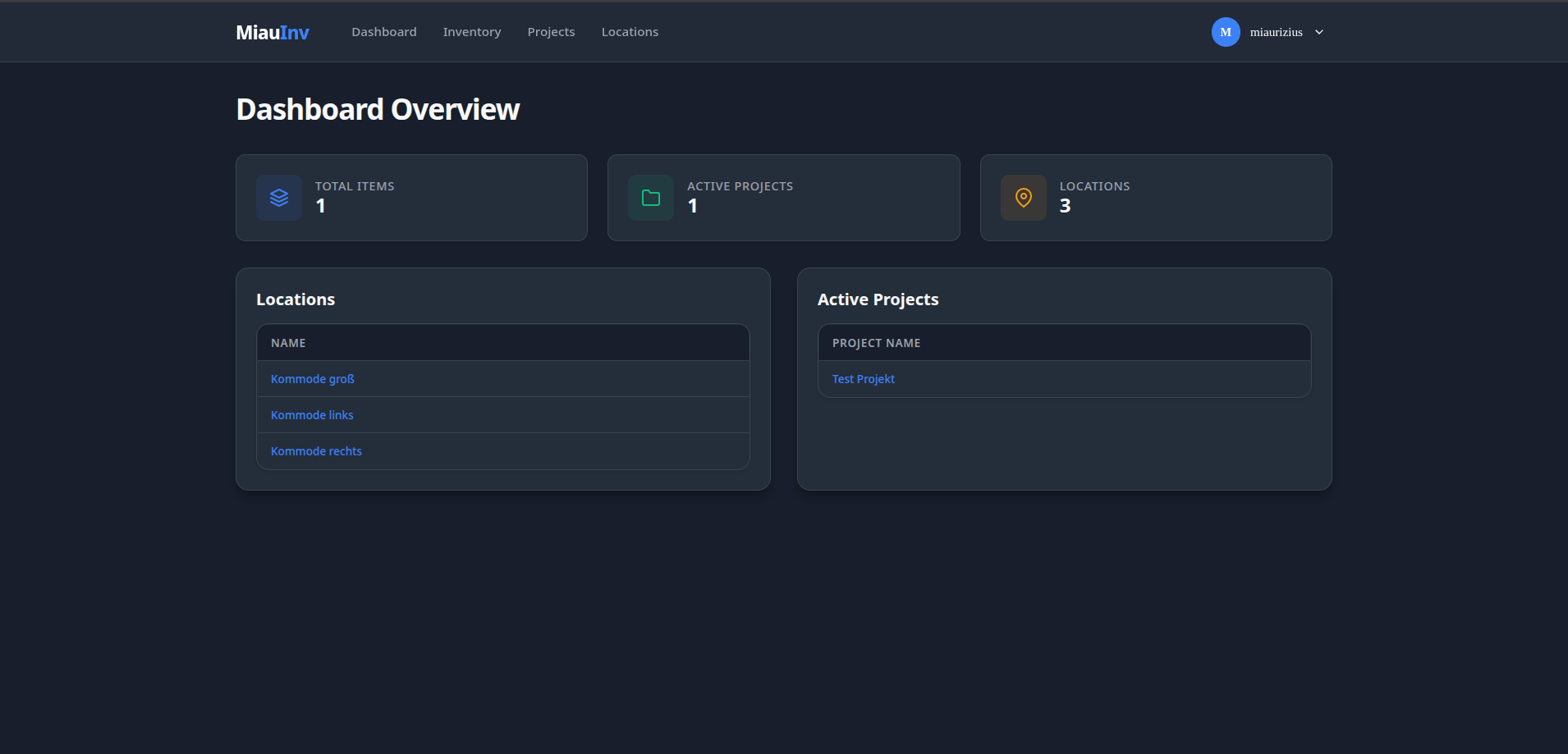
- Dashboard overview for items, locations, and projects.
- Account settings for username, password, 2FA, and passkey management.
- Optional TOTP two-factor authentication with QR setup and recovery codes.
- Optional discoverable WebAuthn passkey login.
- Activity log for account, authentication, security, and inventory changes.
- Docker-ready deployment with SQLite persistence.
## Current Status
MiauInv is an active private project. Core inventory workflows, authentication, account security settings, passkeys, and activity logging are implemented. Automated testing is currently limited and should be expanded before treating the project as high-assurance software.
## Technical Stack
| Area | Technology |
| --- | --- |
| Backend | Go 1.26 |
| Routing | Go standard library `net/http` |
| Database | SQLite via `github.com/glebarez/go-sqlite` |
| Authentication | JWT via `github.com/golang-jwt/jwt/v5` |
| Password hashing | bcrypt via `golang.org/x/crypto/bcrypt` |
| 2FA | TOTP via `github.com/pquerna/otp/totp` |
| Passkeys | WebAuthn via `github.com/go-webauthn/webauthn` |
| Frontend | Server-rendered HTML, HTMX-style structure, vanilla JavaScript |
| Deployment | Docker / Docker Compose |
## Project Structure
| Path | Purpose |
| --- | --- |
| `main.go` | Application entrypoint. |
| `server/` | Route registration, TLS listener, and rate limiting. |
| `config/` | Runtime configuration creation and loading. |
| `auth/` | JWT, middleware, roles, and password helpers. |
| `handlers/` | JSON API handlers for auth, activity, account security, and inventory. |
| `storage/` | SQLite schema, migrations, and database access helpers. |
| `models/` | Shared data structures and constants. |
| `frontend/` | HTML templates, CSS, and JavaScript. |
| `docs/` | Technical documentation. |
## Documentation
- [Authentication](docs/AUTHENTICATION.md)
- [Database](docs/DATABASE.md)
- [API Endpoints](docs/ENDPOINTS.md)
- [Security](docs/SECURITY.md)
- [Contributing](CONTRIBUTING.md)
## Configuration
On first startup, MiauInv creates a config file if none exists. The server also requires a `JWT_SECRET` environment variable with at least 32 characters.
```bash
export JWT_SECRET="replace-this-with-a-random-secret-of-at-least-32-chars"
```
For local development, generate TLS files first:
```bash
mkdir -p appdata
openssl req -x509 -newkey rsa:4096 \
-keyout appdata/key.pem \
-out appdata/cert.pem \
-days 365 \
-nodes \
-subj "/CN=localhost"
```
Run locally:
```bash
go mod tidy
go build -o miauinv .
./miauinv
```
Then open:
```text
https://localhost:8080
```
## Docker Deployment
Example `docker-compose.yaml`:
```yaml
services:
miauinv:
image: git.miaurizius.de/miaurizius/miauinv:latest
container_name: MiauInv
restart: unless-stopped
ports:
- "8080:8080"
environment:
- JWT_SECRET=replace-this-with-a-random-secret-of-at-least-32-chars
volumes:
- ./appdata:/appdata
```
Start or update the container:
```bash
docker compose pull
docker compose up -d
```
View logs:
```bash
docker compose logs -f
```
For production updates, pin a versioned image tag and back up `appdata` before upgrading:
```yaml
image: git.miaurizius.de/miaurizius/miauinv:v1.1.1
```
## Reverse Proxy Deployment
MiauInv currently listens with native TLS. When using Caddy or another reverse proxy, either proxy to the backend with HTTPS or intentionally adjust the server to listen without TLS.
Example Caddy configuration with a self-signed backend certificate:
```caddy
inv.example.com {
encode zstd gzip
reverse_proxy https://miauinv:8080 {
transport http {
tls_insecure_skip_verify
}
}
header {
X-Content-Type-Options nosniff
Referrer-Policy strict-origin-when-cross-origin
}
}
```
For Docker deployments, place Caddy and MiauInv on the same Docker network and reverse proxy to the service name.
## Screenshots
#### Dashboard
 #### Inventory
 #### Locations
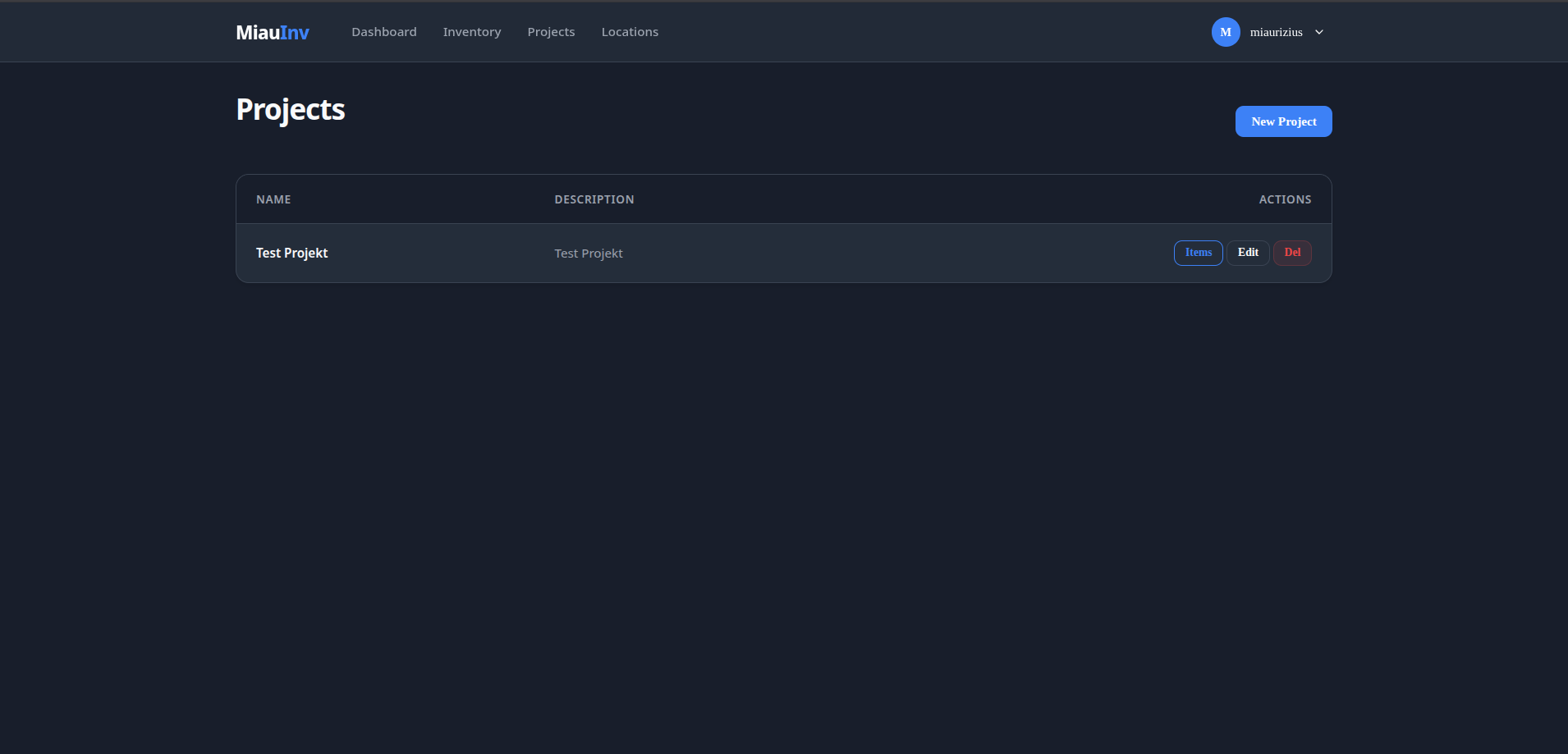
 #### Projects